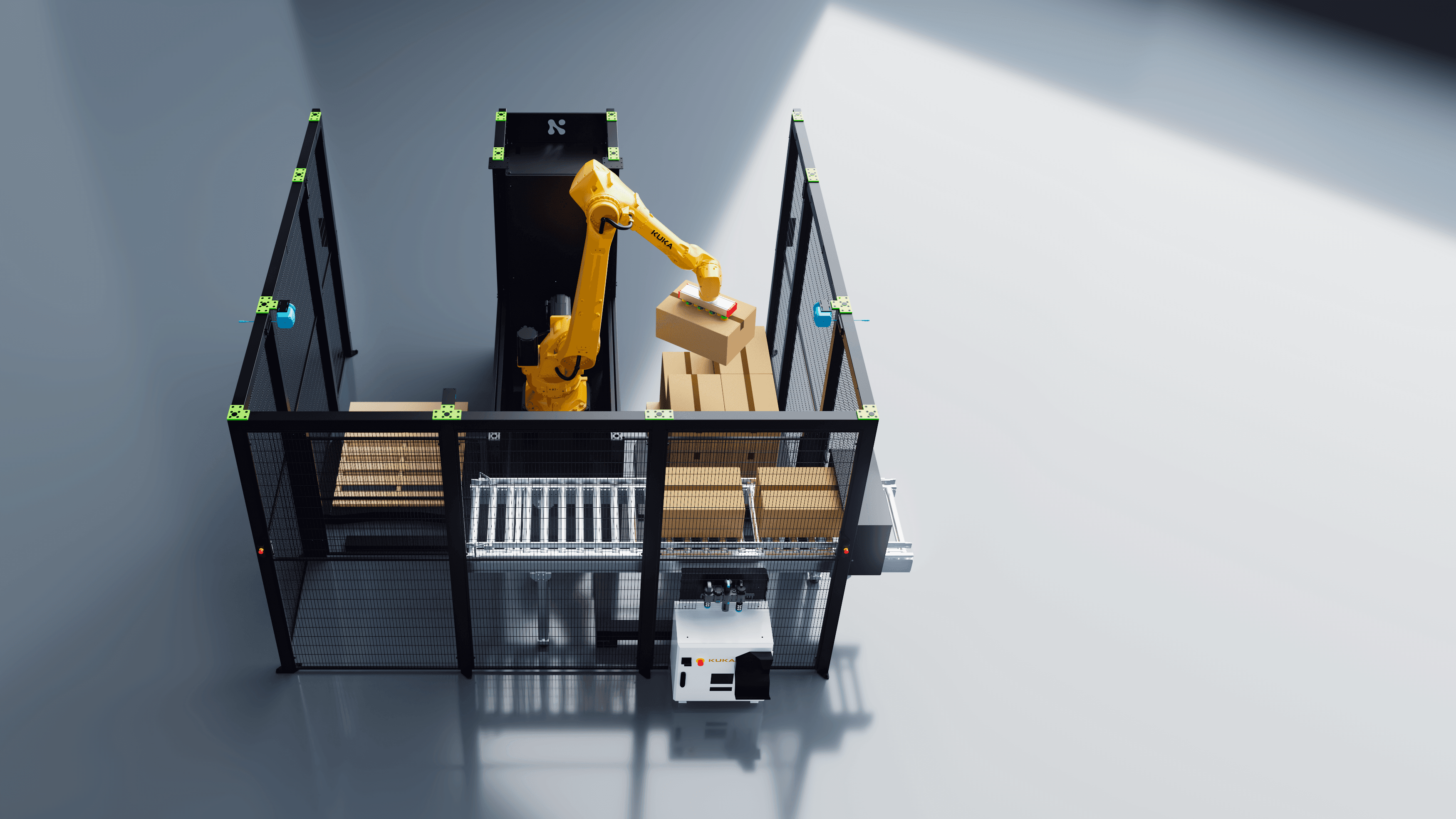
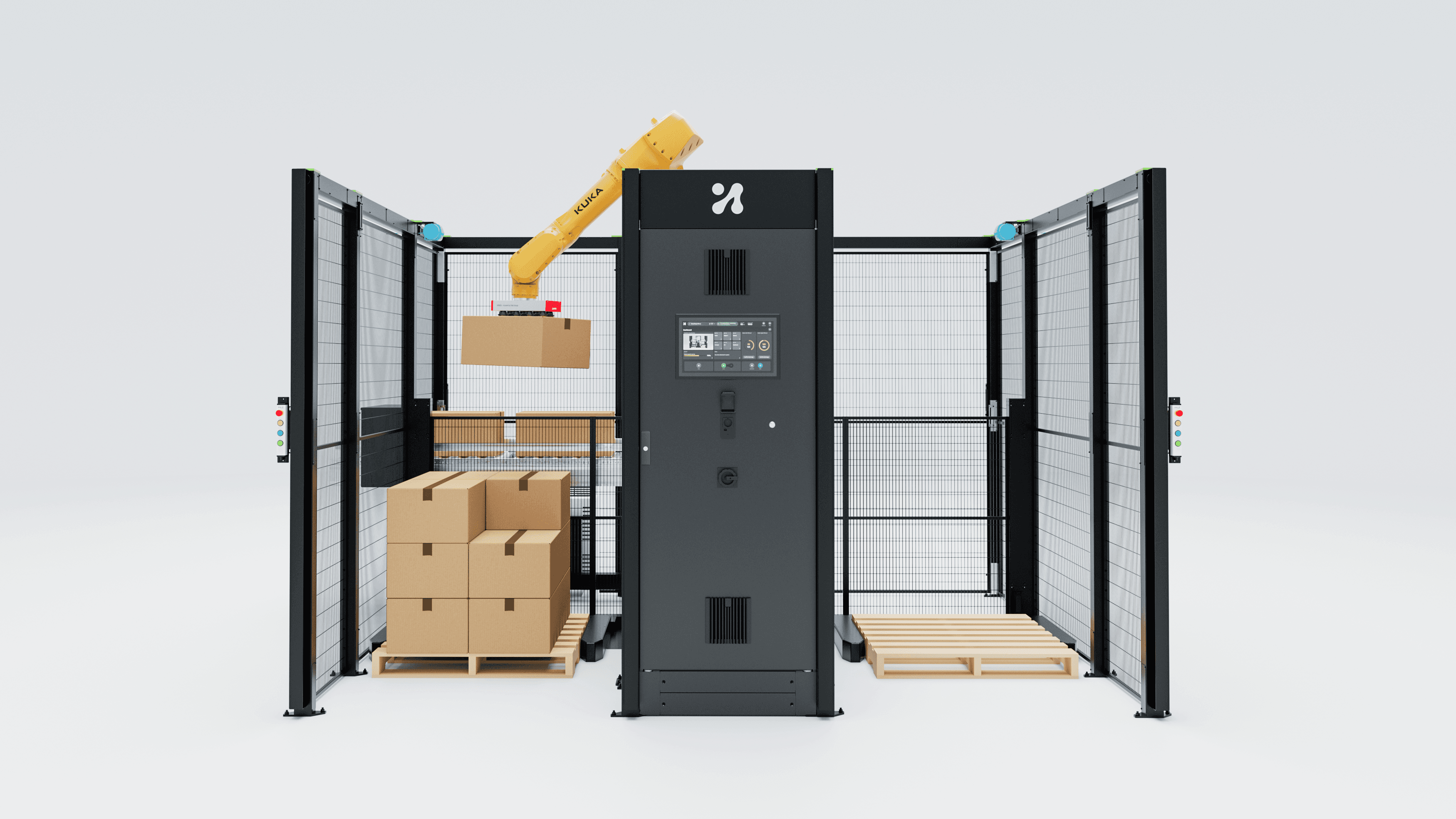
EU law will soon expect machine software to be patched, postponed and logged. The screen where an operator taps Install decides if that happens.
Since 11 September 2026, manufacturers covered by the EU Cyber Resilience Act (CRA) have to report actively exploited vulnerabilities in their products. The early warning is due within 24 hours of becoming aware of one. That clock starts in a security team. It ends on a touchscreen next to a running machine, where a maintenance technician has to decide whether to install a patch in the middle of a shift.
Most of the conversation about the CRA is about process: vulnerability handling, SBOMs, reporting platforms, conformity. All of that matters. But a patch that is never installed protects nobody, and in industrial automation the installation decision is made by a person looking at an HMI. In my view, that makes the update flow one of the most important screens in your product, and most robot and machine software still treats it as an afterthought: a modal, a progress bar and a reboot.
This post is about continuous delivery for industrial software from the operator's side of the glass. What the regulations now ask of the update experience, why the shop floor resists it, and how to design a flow that both sides can live with.
What the law asks of the update experience
The CRA entered into force on 10 December 2024. Its main obligations apply from 11 December 2027, and the reporting obligations have applied since 11 September 2026. For an actively exploited vulnerability, Article 14 sets three deadlines: an early warning within 24 hours, a vulnerability notification within 72 hours, and a final report no later than 14 days after a corrective or mitigating measure is available.

Figure 1. The regulatory clock for robot and HMI software in the EU. Sources: European Commission CRA and CRA reporting pages; EU-OSHA page on Regulation (EU) 2023/1230.
The reporting rules are for the manufacturer's security team. The essential requirements in Annex I are where design comes in, because several of them describe user-facing behaviour almost word for word. Products must ensure that vulnerabilities can be addressed through security updates, "including, where applicable, through automatic security updates", enabled as a default setting, with "a clear and easy-to-use opt-out mechanism", "through the notification of available updates to users", and with "the option to temporarily postpone them".
Annex I Part II adds that, where technically feasible, new security updates shall be provided separately from functionality updates, and that security updates must be disseminated without delay and, with a narrow exception for tailor-made products agreed with business users, free of charge, "accompanied by advisory messages providing users with the relevant information". Article 13 sets the support period at a minimum of five years, unless the product is expected to be in use for less time.
Read those lines as a designer and you get a specification: a default, an opt-out, a notification, a postpone option, an advisory message, and a separation between "this fixes a hole" and "this changes how the machine works". That is an interaction design brief written into law. Whether your product actually falls under the CRA is a question for your compliance team. If it does, somebody is going to design these screens. Better that it is a designer than a deadline.
The shop floor says "not now"
Here is the tension. Automatic updates enabled by default make sense on a phone. On a production line they collide with how operations work. Rockwell Automation's guidance on OT patch management is blunt: OT patching "needs to be scheduled during maintenance-related downtime", it "has to be coordinated with downtime schedules", and asset owners are responsible for checking whether patches have been approved or validated for their installed software. It also recommends funding a test environment that mimics the production applications. None of this is new: IEC TR 62443-2-3 has described patch management requirements for asset owners and industrial automation product suppliers since 2015.
The research on people who manage updates points the same way. A study by Tiefenau and colleagues, presented at the USENIX Symposium on Usable Privacy and Security (SOUPS) in 2020, looked at system administrators in corporate environments. It names downtime and lack of information about updates as obstacles, and concludes that "even experienced administrators struggle with update processes" because the consequences of an update are sometimes hard to assess. Those are IT administrators with full context. A maintenance technician on a night shift, facing a vendor dialog on a robot controller, has less.
So the operator's rational default is "not now". Not because they ignore security, but because the screen gives them a risk they can see (a stopped line) and a risk they cannot (an unpatched vulnerability), and no information to weigh one against the other.
My view: the CRA's postpone option is not a loophole. It is the bridge between security and availability, and it only works if the HMI turns "later" into a specific, visible, accountable later.
The Machinery Regulation gives every update a memory
The second regulation arrives sooner than many teams expect. Regulation (EU) 2023/1230, the new Machinery Regulation, applies from 20 January 2027 and replaces the Machinery Directive 2006/42/EC.
Two of its essential health and safety requirements touch software directly. Section 1.1.9 of Annex III, on protection against corruption, requires machinery to collect evidence of lawful or unlawful interference with, or modification of, its software. The draft harmonised standard prEN 50742, which CENELEC has been developing to cover sections 1.1.9 and 1.2.1 and which is now at final-draft stage, sets requirements for logging those interventions and says digital evidence must be legible and accessible. And according to ABB's summary for machine builders, machinery components that rely on safety software or parameters, such as safety PLCs, "must automatically record any safety-related interventions", and "these records must be retained for at least five years".
For design, that changes what an update is. It is no longer an event that happens and disappears. It is an entry in a record that an auditor, a service engineer or an accident investigator may read years later. If that record is an unreadable binary blob behind a service password, you have met the letter of the logging requirement and failed the people it exists for. The update history deserves a real screen.
Design the update as a flow, not a dialog
When I look at industrial update experiences, the problem is rarely visual polish. It is that the update is designed as one moment instead of a sequence. I would break it into five stages, each with its own job.

Figure 2. The update as a five-stage flow. Requirement lines summarise Regulation (EU) 2024/2847 Annex I (via the OpenSSF CRA checklist), ABB on Regulation (EU) 2023/1230, and Rockwell Automation on OT patching.
1. Announce. The advisory message is the CRA's own word, so treat it as content, not as a changelog. In plain language: what the update fixes, how serious the risk is, whether it touches safety functions or safety parameters, and how long the machine will be unavailable. Two audiences read it: the operator who sees the notice and the engineer who approves it. Design for both with a short summary and an expandable technical layer.
2. Schedule. Postponing should mean choosing a slot, not dismissing a box. Offer the next planned maintenance windows, show the date the postponement runs out, and make the pending update visible on the status bar until it is installed. Annex I asks for security updates to be separated from functionality updates where technically feasible. Where they are shipped separately, the scheduler can often say honestly: "This changes nothing in how you run the cell." That sentence alone removes a large part of the fear.
3. Install. Bring the machine into a defined state first and say so on screen. Show progress the operator can trust, never restart silently, and expose the rollback path before it is needed, not after something has gone wrong.
4. Verify. After the update, the HMI should present a short check: the installed version, a safety configuration check (a checksum, for example) showing it is unchanged or deliberately changed, and a test cycle that a named person confirms before production resumes. This is where trust is rebuilt. Skip it and the next update gets postponed for longer.
5. Record. Who approved, who installed, when, which version, what changed. Readable on the machine, exportable for audits. This is the user-facing side of the Machinery Regulation's logging requirement.

Figure 3. AI-generated illustration. The decision to install is made by a person with partial information, often on a mobile device, often on a night shift.
The postpone button is your best feedback channel
In my experience, this is the part most vendors miss, and it is where continuous delivery for industrial software becomes a feedback loop rather than a pipeline.
Every postponement is a signal. If a site postpones every update by the maximum allowed time, that tells you something about your release notes, your downtime estimates or your rollback reputation. If one customer installs within a day and another waits until the last moment, the difference is rarely their attitude to security. It is usually trust, built or lost by previous updates.
In my view, the share of updates installed within the first maintenance window is one of the most honest usability metrics an industrial software product can track. It measures whether operators believe what your screens tell them. Where customers agree to share that data, review it alongside support tickets after every release. Where they do not, ask in service visits why the last update waited.
The same applies to the verify step. If technicians routinely skip or rush the post-update test cycle, the step is either too long or does not feel meaningful. Watch someone do it before you redesign it.
A practical checklist for your next release
Use this as a review list for any robot, cell or machine HMI that will receive updates in the field.
Advisory message: Can an operator tell in ten seconds what the update fixes, whether it touches safety functions, and how long the machine will be down?
Two layers: Is there a short summary for the operator and a technical layer for the approving engineer?
Separation: Are security fixes shipped and labelled separately from feature changes wherever technically feasible?
Postpone with a deadline: Does "later" mean a chosen maintenance window with a visible expiry, not a dismissed dialog?
Persistent status: Is a pending security update visible until it is installed, without blocking production?
Defined install state: Does the HMI say what state the machine is in during installation, and is there no silent restart?
Rollback visible upfront: Can the technician see how to revert before they press Install?
Verify step: Is there a short post-update check signed off by a named person?
Readable history: Is the update and intervention log readable on the machine and exportable, for the five-year retention the Machinery Regulation requires for safety-related interventions?
Feedback loop: Do you measure how long updates wait, and do you review that number after each release?
Conclusion
Regulators have done something unusual: they have written parts of an interaction design brief into law. Default, opt-out, notification, postpone, advisory message, separation of security from features, a record that lasts five years. None of it says what the screen should look like. All of it fails if the screen is badly designed.
My position is simple. The update flow is not a maintenance utility. It is the place where your security promise, your safety case and your operator's trust meet. Teams that design it as a flow, and listen to what the postpone button is telling them, will patch faster with less friction. Teams that ship another modal will meet the legal deadline and still leave the machine unpatched.
Sources
European Commission, "CRA reporting obligations": https://digital-strategy.ec.europa.eu/en/policies/cra-reporting
European Commission, "Cyber Resilience Act": https://digital-strategy.ec.europa.eu/en/policies/cyber-resilience-act
OpenSSF, "PSIRT Obligations Checklist" (quotes Regulation (EU) 2024/2847, Annex I, Articles 13 and 14): https://policy.openssf.org/CRA/checklists/PSIRT_Obligations_Checklist.html
EU-OSHA, "Regulation (EU) 2023/1230 on machinery": https://osha.europa.eu/en/legislation/directive/regulation-20231230eu-machinery
ABB, "What machine builders need to know about the EU Machinery Regulation" (24 April 2026): https://new.abb.com/news/detail/135252/what-machine-builders-need-to-know-about-the-eu-machinery-regulation
IBF Solutions, "New standard prEN 50742: protection against corruption": https://ibf-solutions.com/en/seminars-and-news/news/new-standard-pren-50742-protection-against-corruption
Rockwell Automation, "OT Patch Management Strategy: Seven Best Practices": https://www.rockwellautomation.com/en-ie/company/news/blogs/ot-patch-management-strategy--seven-best-practices.html
Tiefenau, Häring, Krombholz, von Zezschwitz, "Security, Availability, and Multiple Information Sources: Exploring Update Behavior of System Administrators", SOUPS 2020: https://www.usenix.org/conference/soups2020/presentation/tiefenau
IEC TR 62443-2-3:2015, "Patch management in the IACS environment": https://webstore.iec.ch/publication/22811