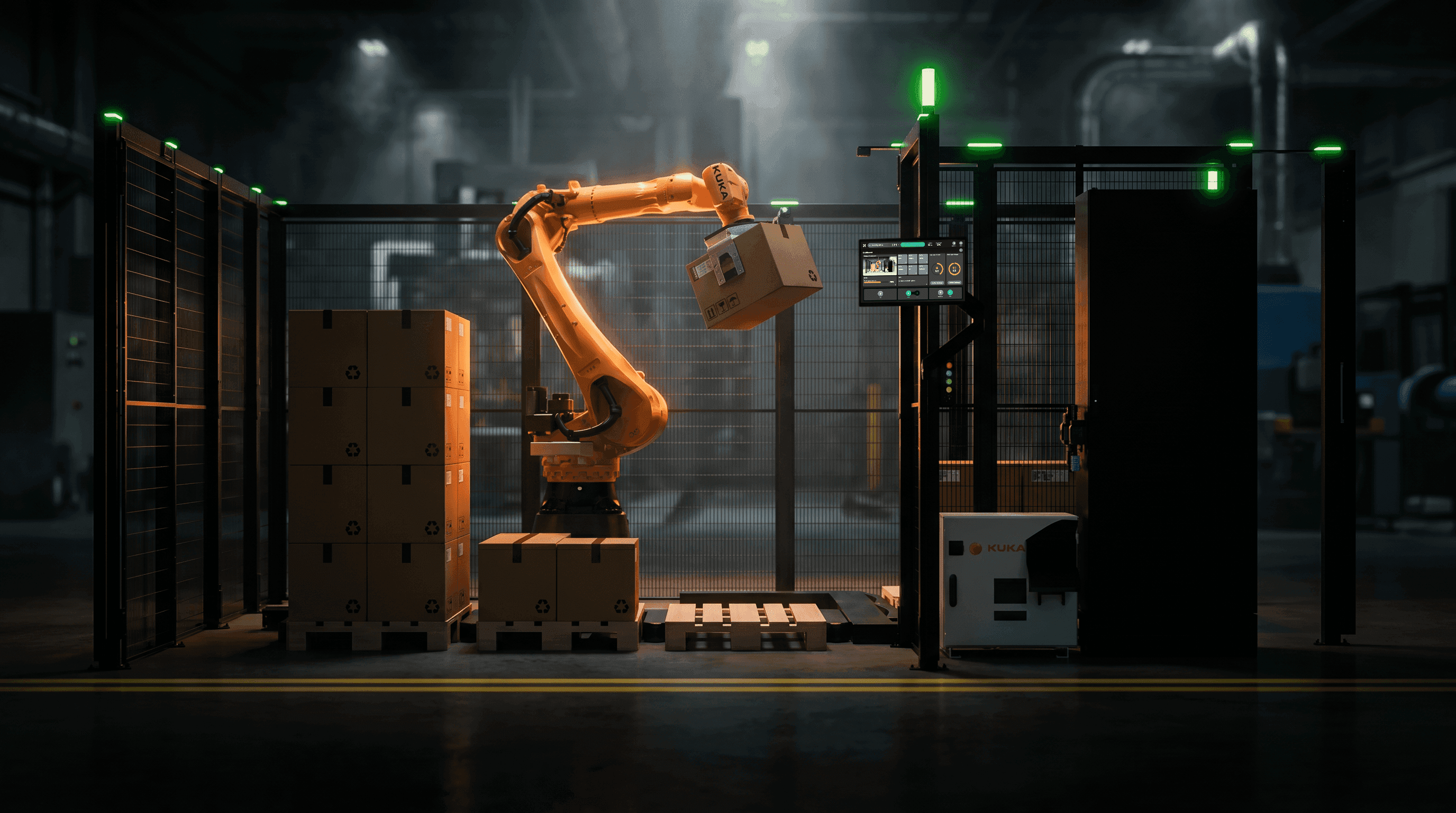
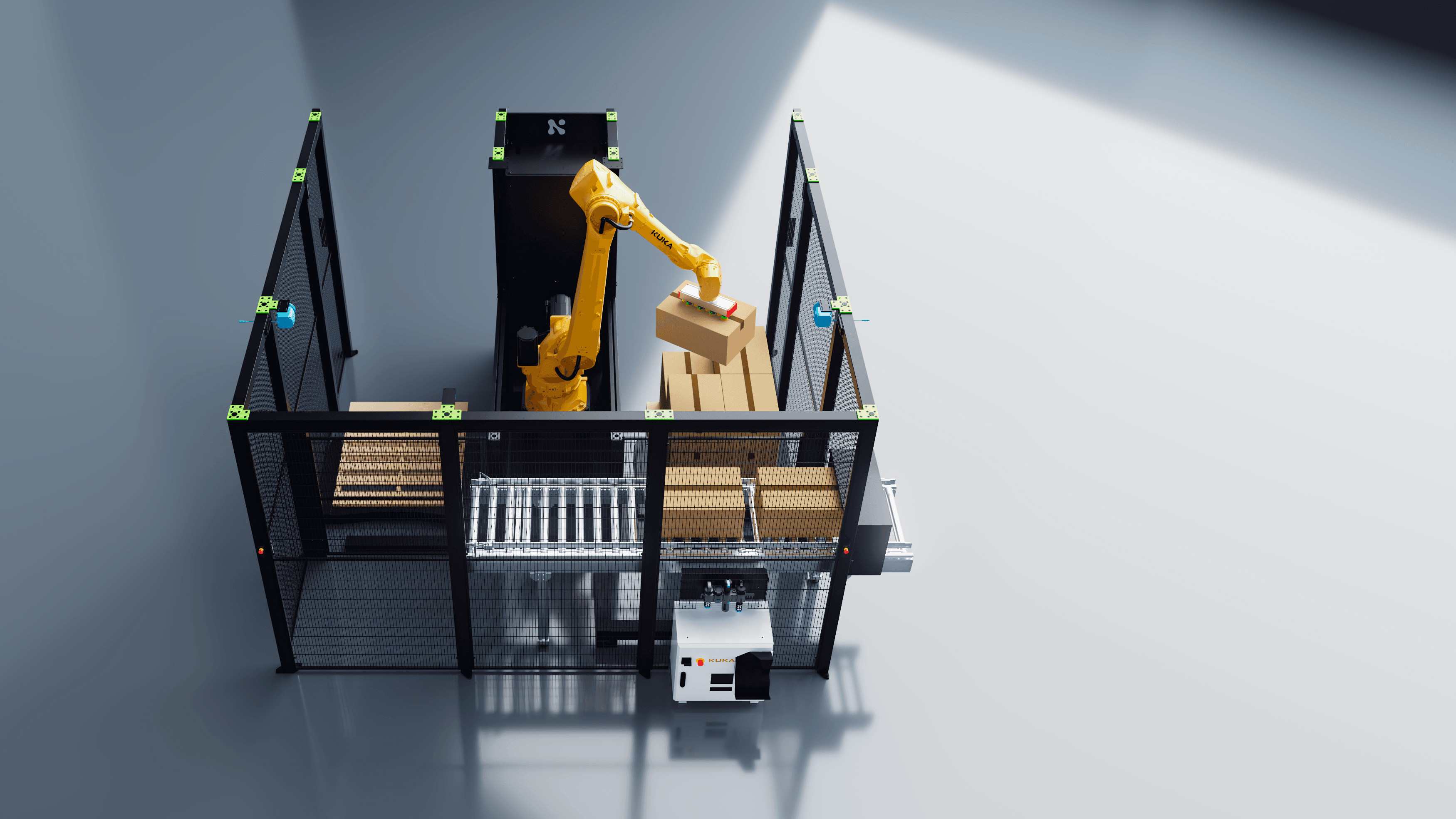
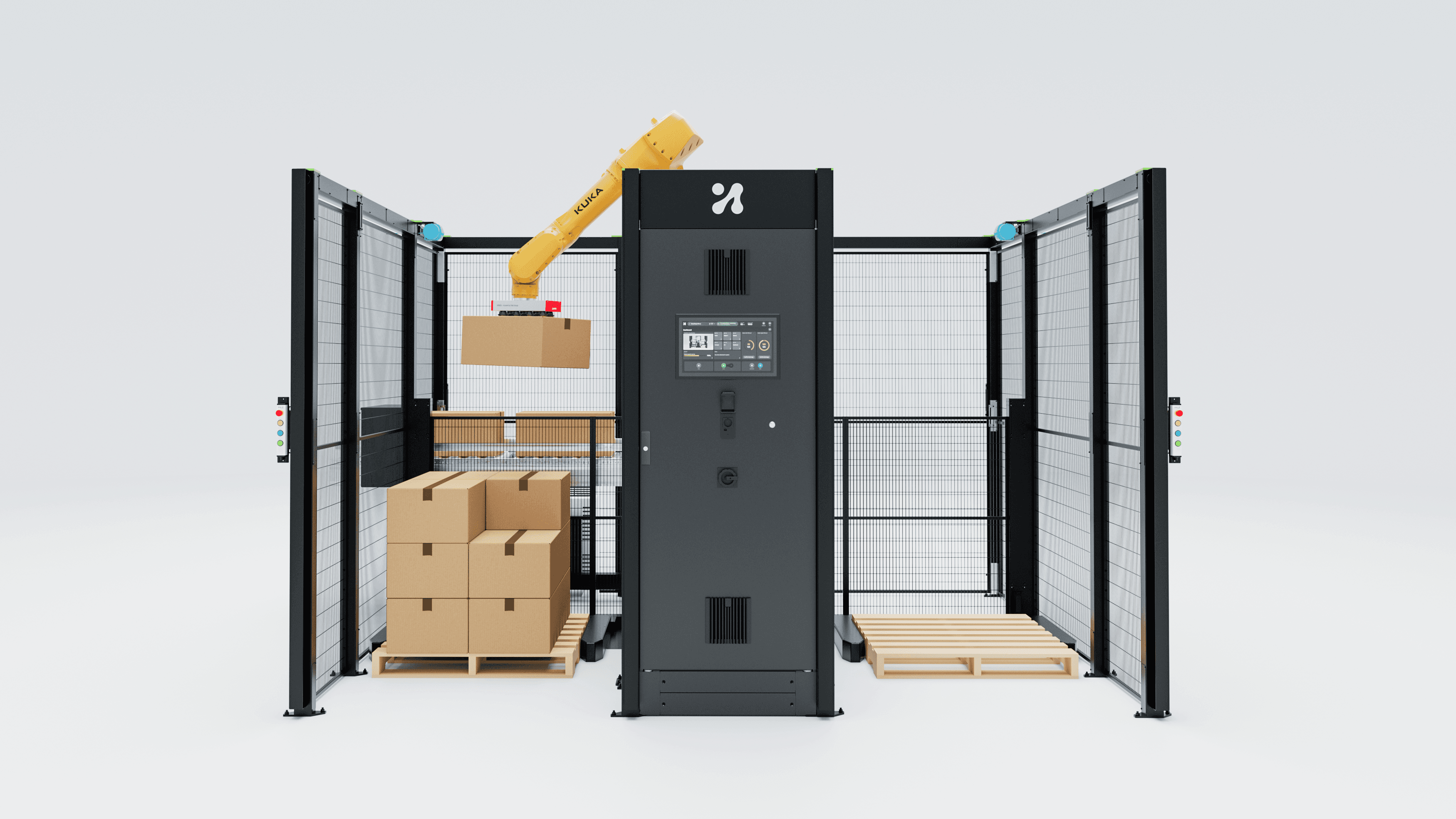
AI tools can make HMI prototypes look done fast. For robot cells, the useful prototype is wired to a virtual controller and fails on command.
There is a kind of HMI prototype that looks ready to ship and could not survive one minute on a shop floor. Every button works. Every screen transition is smooth. And nothing ever goes wrong, because nothing in the prototype can.
In my view, AI prototyping tools have made this problem bigger, not smaller. They are excellent at the part of a prototype that was already cheap to fake: how it looks. The part that decides whether a robot HMI works, how the interface behaves when the machine is in the wrong state, is still missing unless someone builds it on purpose.
My argument: for robot and cell HMIs, the most valuable prototype in 2026 is not the prettiest one. It is the one that is wired to a simulated controller and can be made to fail on command.
The AI prototype gap
The tools are moving fast. At Config 2026 on 24 June, Figma announced code layers, which let users convert any design layer into an interactive code layer "with a single click or prompt", with early access starting in July. In April, the Thoughtworks Technology Radar (Volume 34) placed Figma Make in its "Trial" ring, noting that it builds on real components and layers from a design system and that Thoughtworks teams use it to create shareable prototypes for rapid user feedback.
That is useful, and worth adopting. A designer can now produce a clickable, on-brand, believable HMI flow very quickly.
But look at what they make cheap. In my experience of reviewing them, a generated prototype has polished visuals and lots of screens. What it rarely has is a real machine state behind it. The robot is always homed. The gripper always closes. The program always loads. The safety system never trips. On an office app, a happy-path prototype hides a few edge cases. On a cell HMI, the edge cases are the job.
Fidelity is not one dial
The most useful way I know to think about this comes from a CHI 2006 paper by Michael McCurdy and colleagues, written from work on NASA mission planning tools. "Breaking the Fidelity Barrier" argues that "high fidelity" and "low fidelity" are too blunt. They identify five dimensions along which a prototype can be characterised:
Level of visual refinement
Breadth of functionality
Depth of functionality
Richness of interactivity
Richness of data model
Their point was that a prototype can be high on some dimensions and deliberately low on others. They built such a "mixed-fidelity" prototype and report that it predicted final user performance well.

Figure 1. Five fidelity dimensions from McCurdy et al. (CHI 2006). Ratings are the author's judgement, not measured data.
Apply those five dimensions to the current wave of AI prototypes and the pattern is obvious, at least to me. Visual refinement and breadth go to maximum, almost for free. Depth of functionality, richness of interactivity and richness of data model often stay near zero, because there is no live state for them to come from.
For a robot HMI, those last three are where the risk lives. Depth means the jog dialogue actually changes something. Interactivity means the screen responds with the timing and latency of a real controller. The data model means program states, IO, alarms, and the awkward cases in between, like a paused program after a protective stop.
Polish is not what predicts usability
There is a second, quieter reason to stop chasing visual polish: the evidence suggests you often do not need it.
Jürgen Sauer, Katrin Seibel and Bruno Rüttinger tested this with an industrial product, not an app. In a study published in Applied Ergonomics in 2010, 48 users carried out cleaning tasks with a floor scrubber presented as a paper prototype, a 3D mock-up or the fully operational appliance. Their conclusion: "Reduced fidelity prototypes were generally suitable to predict product usability of the real appliance." They also found that experts reported more usability problems than novices, but those problems were judged less severe. That is worth remembering when your test participants are experienced operators.
As MeasuringU summarises an earlier study by Sauer and Sonderegger (2009), paper and computer prototypes predicted ease-of-use ratings for the real product, but not task time or aesthetic ratings.
Put those together with McCurdy and you get a clear rule. Spend fidelity where the question is. If you want to know whether operators understand a recovery flow, visual polish does little. Real state and real timing do a lot.
Your prototype needs a machine that can say no
The good news: robotics already has the missing piece. Major robot vendors such as ABB and Universal Robots ship simulators or virtual controllers that run robot programs off the real hardware. The opportunity is to point your HMI prototype at them instead of at a fake JSON file.
ABB's developer documentation for its PC SDK describes the virtual controller as "a very convenient choice, especially for testing and debugging", because a real robot controller "is normally not readily at hand" during development. In March 2026, ABB Robotics announced RobotStudio HyperReality, built with NVIDIA Omniverse libraries and planned for release to ABB's 60,000 RobotStudio customers in the second half of 2026. In that announcement ABB says it is "the only robot manufacturer with a virtual controller running the same firmware as the hardware", and says HyperReality will let robots bridge the gap between simulation and reality "with up to 99 percent accuracy". Those are vendor claims, and I would treat them as such until they are tested in the open.
Universal Robots publishes a PolyScope X simulator as a Docker image with a web-based UI, intended for developers building URCaps with its SDK. The robot model can be set from the UR3 up to the UR30.
The design move is simple to describe. Build the prototype so its screens read and write state through a thin adapter. In early tests, the adapter talks to a scripted mock. Later, it talks to a virtual controller. The prototype's visuals can come from Figma Make, from code, or from anything else. What matters is that the state behind them is real enough to surprise you.
Figma Make can already reach outside itself: its backend option provides "secret storage, compute, and a Postgres database", and lets you add API keys "that can be used to query external servers". Whether a given simulator exposes an interface your prototype can reach, and whether your IT team will allow it, is a project-specific question. Check before you promise anyone a live demo.

Figure 2. A failable prototype rig: AI or hand-built UI, a state adapter, a virtual controller, and a moderator-operated fault panel. Framework by the author; simulator limitations from the Universal Robots offline simulator page.
Simulators lie too, so inject the faults yourself
Here is the catch that makes this a design problem and not only an engineering one. Simulators often leave out exactly the failures operators care about.
Universal Robots is refreshingly direct about this on its offline simulator download page for Linux. It says the simulator lets you "create and run programs on a simulated robot, with some limitations". The most important, in UR's words, is that "it is not possible to simulate digital/analogue input to the robot". The same page lists that the emergency stop cannot be used, collisions with self or surroundings do not work, and force mode will not work. ABB's own SDK documentation warns that with the virtual controller, "potential problems may be hard to detect until you test the application using a real robot system."
So a prototype connected to a simulator will still be too polite unless you add the faults it cannot produce. I like a small moderator panel, invisible to the participant, with buttons for the events that matter in your cell:
Emergency stop pressed and released
Protective stop during a move
Gripper or vacuum fails to confirm
Part missing at the pick position
Safety light curtain or door interlock open
Network connection to the controller lost for ten seconds
The moderator fires these during tasks, the HMI has to react, and you watch what the operator does next. This is an old idea: in a Wizard-of-Oz study, a hidden person plays the part of the system. Here, the hidden person plays the part of the factory.

Figure 3. The person running the fault panel matters as much as the prototype. AI-generated illustration.
The same rule applies to demos
Everything above applies to sales and trade-fair demos too, with one difference: the audience. A polished prototype shown to a customer reads as a promise. If the demo can only show the happy path, buyers will assume the happy path is what they are buying.
My view: an engineer in the audience has more reason to trust a controlled failure than a flawless loop. Show the protective stop, show the recovery screen, show how long it takes to get back to production. That is a demo of the product they will actually live with. It is also much harder to fake with a generated video, which is exactly why it carries weight.
A practical checklist: build a failable prototype
Use this before your next HMI test or customer demo:
Write the question first. What decision should this prototype inform? Pick the fidelity dimensions that answer it and keep the rest low on purpose.
Separate visuals from state. Put a thin adapter between screens and machine state, so the same UI can run against a mock, a virtual controller, or later a real cell.
List the five worst moments. With a service engineer, name the five states operators hate most in your cell. Every prototype test must include at least two of them.
Know your simulator's blind spots. Read the limitations page of your virtual controller. Anything it cannot simulate, such as IO, emergency stop or collisions, goes on the fault panel.
Give the moderator a fault panel. Keep it out of the participant's view. Log every fault fired with a timestamp so you can match it to the session recording.
Test with experienced operators. Expect them to find more problems, though those may be less severe. Weigh severity with your own safety and service data.
Label what is real. In any demo, say which parts run on a real or virtual controller and which are mocked. Credibility lost here is hard to win back.
Conclusion: polish is cheap now, so stop paying for it
For years, a beautiful prototype signalled effort and therefore seriousness. In my view, AI is ending that. Visual polish can now cost an afternoon, and more and more people in the room know it.
What still costs effort, and therefore still signals seriousness, is a prototype with a real state model behind it and a person ready to break it. Wire your next HMI prototype to a virtual controller, inject the faults the simulator cannot, and test what the operator does in the worst minute of their shift. If the prototype never fails, it has not been tested yet.
Sources
CMSWire, "Figma Launches Code Layers, Motion at Config 2026": https://www.cmswire.com/digital-experience/figma-launches-code-layers-motion-at-config-2026/
Thoughtworks Technology Radar Vol. 34, "Figma Make" (April 2026): https://www.thoughtworks.com/radar/tools/figma-make
Figma Learn, "Add a backend to a functional prototype or web app": https://help.figma.com/hc/en-us/articles/32640822050199
McCurdy, Connors, Pyrzak, Kanefsky, Vera, "Breaking the Fidelity Barrier", CHI 2006: https://corpora.tika.apache.org/base/docs/govdocs1/544/544653.pdf
Sauer, Seibel, Rüttinger, "The influence of user expertise and prototype fidelity in usability tests", Applied Ergonomics 41 (2010): https://folia.unifr.ch/unifr/documents/302258
MeasuringU, "Does the Fidelity of a Prototype Affect Results?" (2017): https://measuringu.com/prototype-fidelity/
ABB Robotics press release, "ABB Robotics Partners with NVIDIA to Deliver Industrial-Grade Physical AI at Scale" (9 March 2026): https://www.businesswire.com/news/home/20260309674828/en/ABB-Robotics-Partners-with-NVIDIA-to-Deliver-Industrial-Grade-Physical-AI-at-Scale
ABB RobotStudio Developer Center, PC SDK, "Two development models: virtual and real": https://developercenter.robotstudio.com/api/pcsdk/articles/Manual/Installation-and-development-environment/Two-development-models---virtual-and-real.html
Universal Robots, Offline Simulator UR Series / e-Series URSim for Linux 5.25.2: https://www.universal-robots.com/download/software-ur-series/simulator-linux/offline-simulator-ur-series-e-series-ur-sim-for-linux-5252/
Universal Robots, ursim_polyscopex on Docker Hub: https://hub.docker.com/r/universalrobots/ursim_polyscopex